Zotero to BibTeX in Lattuce — import, cite, and hand off bibliographies
Import Zotero libraries into Lattuce, cite in Writer, and export BibTeX or DOCX — with honest limits on write-back.
A focused workflow for Zotero users on lattuce.app: sync metadata, write with verified citations, and export bibliographies — including opt-in API write-back for bibliographic metadata.
For comparison framing, see Lattuce + Zotero.
Who this is for
| You are… | This guide covers… |
|---|---|
| Zotero daily user | Import → attach → cite → export .bib |
| Thesis author | Keep Zotero as archive, Lattuce as drafting studio |
| Lab member | Hand off BibTeX to a co-author still on Zotero |
Before you start
| You need | Notes |
|---|---|
| Lattuce account | lattuce.app |
| Zotero library | Personal or group library you can read |
| Zotero API access | Linked in Library → References → Zotero when rich import is enabled on your account |
Configure Zotero import
- Open Library → References.
- Expand the Zotero panel.
- Connect your Zotero account when prompted.
- Choose import mode:
| Mode | Imports | Best for |
|---|---|---|
| Sync | Metadata (title, authors, DOI, etc.) | Fast library mirror |
| Rich import | Metadata + PDF attachments + highlights | Full-text grounding in Writer |
- Run sync; wait until rows show ready in the library.
Operator-facing env details stay in /help/writer-research — this guide stays author-facing.
Attach sources to papers
- Open your paper workspace.
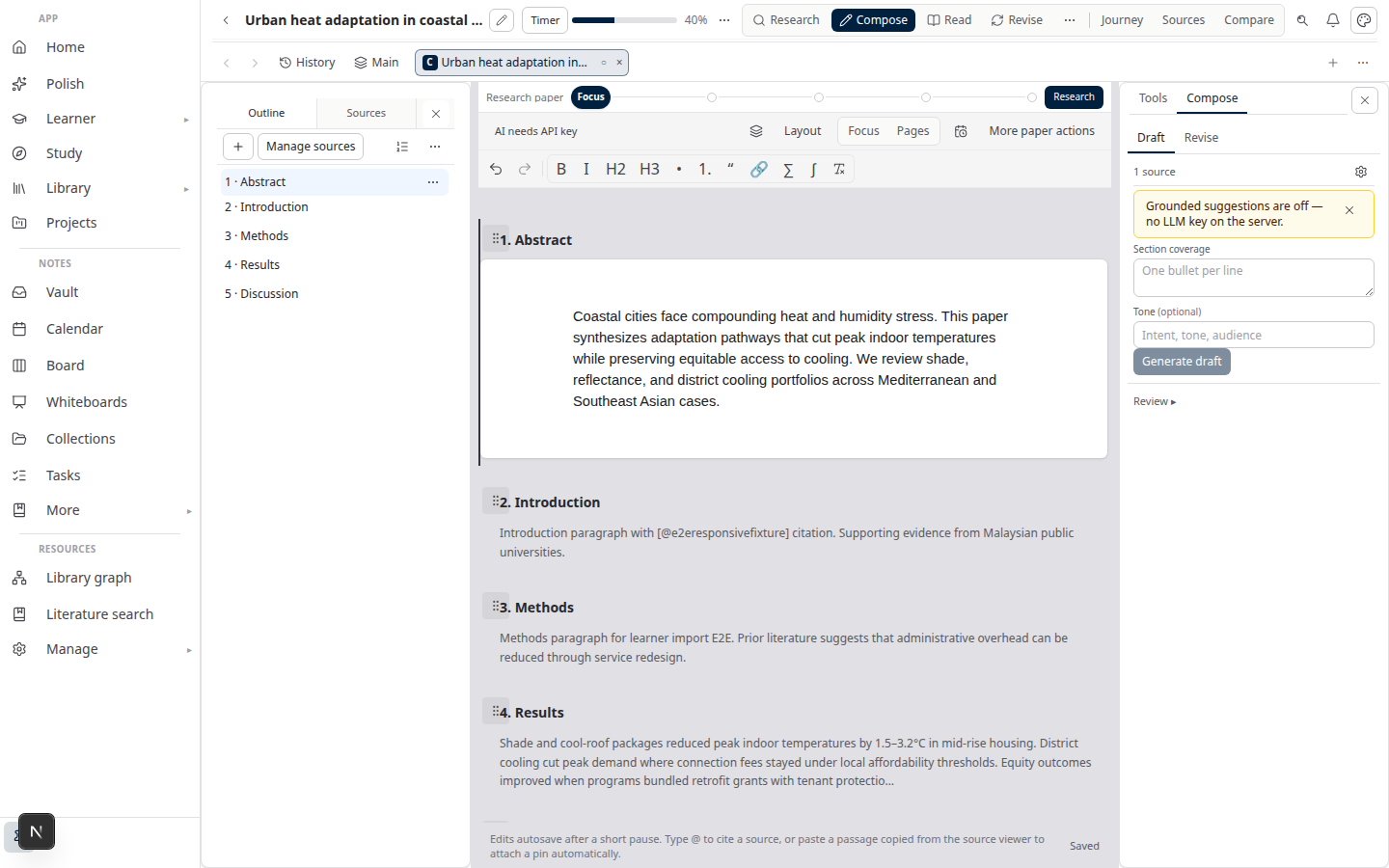
- In the Sources left pane, click Attach from library.
- Select Zotero-imported rows (filter by collection if needed).
- Confirm each attachment shows ready before missions or compose.
Attached scope defines what citation checks and literature review missions can see.
Cite in compose
- Open Compose or Write.
- Insert citations from attached sources — cite chips show real metadata.
- Run citation checks before approving a section.
- Fix flagged sentences — add sources, rewrite, or remove unsupported claims.
Lattuce does not generate bibliography entries from thin air. Every cite chip maps to a library row you imported or uploaded.
Export BibTeX and DOCX
| Export | How | Destination |
|---|---|---|
| BibTeX | Completed literature review mission → export.bib | Import into Zotero manually |
| Markdown | Mission → export.md | Notes, Git, co-author handoff |
| Word | Approve sections → Export DOCX | Faculty submission |
Full manuscript path: Sources to DOCX in Lattuce.
Write-back and honest limits
Bibliographic push is available when your account enables Zotero write-back (Library → References → Add references → Push to Zotero, or Push cited to Zotero on a paper).
What works today:
- Import metadata and (when enabled) PDFs into Lattuce
- Push bibliographic metadata to Zotero (create or link by DOI/citekey)
- Export
.bibfrom Lattuce for manual handoff
What does not work:
- Uploading Lattuce PDFs into Zotero storage
- Two-way highlight / page-locator sync
Treat PDF and highlight archives as Zotero-owned; treat Lattuce as the drafting studio.
Related reading
Bahasa Melayu: Zotero ke BibTeX dalam Lattuce — import, sitasi, dan serah bibliografi