Sources to DOCX in Lattuce — end-to-end manuscript workflow
Upload PDFs, run missions, compose grounded sections, approve, and export to Word with real references — the full Lattuce Writer pipeline.
For in-app help, ask the product assistant about The Writer paper lifecycle (help doc writer-paper-lifecycle).
This guide walks the flagship path on lattuce.app: library sources → research missions → grounded writing → section approval → Word export with real references — not a chat summary you paste into Word by hand.
Who this is for
| You are… | This path helps when… |
|---|---|
| Thesis or article author | Your deliverable is a .docx with verified citations |
| PI skimming tools | You want one account from PDF upload to export |
| Returning user | You know Lattuce basics and need the full pipeline checklist |
New here? Start with try Writer without signup or literature review with Lattuce.
Before you start
| You need | Notes |
|---|---|
| A Lattuce account | Sign in at lattuce.app |
| A paper project | Library → Papers → New paper |
| Sources | PDFs or Word files that reach ready status, or a topic for discovery missions |
| AI (optional) | Add your own provider keys in account settings for missions and compose — see BYOK on Lattuce |
Step 1 — Build your source library
Path A — you already have PDFs
- Open Library and upload PDFs or DOCX files.
- Wait until each row shows ready (text extraction finished).
- Open your paper and attach those sources in the left pane.
Path B — you have a topic, few PDFs
- Open the paper Research workspace.
- Run Quick search (literature discovery mission) and approve suggested papers.
- Optional ingest fetches open-access PDFs when they exist.
- Attach approved, ready sources to the paper.
Optional: sync from Zotero in Library → References — see Lattuce + Zotero.
Step 2 — Run a research mission
- In the paper workspace, open Research → Missions.
- Start a Literature review mission (requires attached, ready sources).
- Review the synthesis report and evidence matrix when the mission completes.
- Optionally download export.md or export.bib for handoff outside Lattuce.
For mission templates and approval checkpoints, see Research missions in Lattuce.
Step 3 — Compose with grounding
- From the mission panel, choose Compose from synthesis (or open Compose manually).
- Draft sections with cite chips tied to attached sources.
- Run citation checks — fix or remove claims the verifier flags before you approve text.
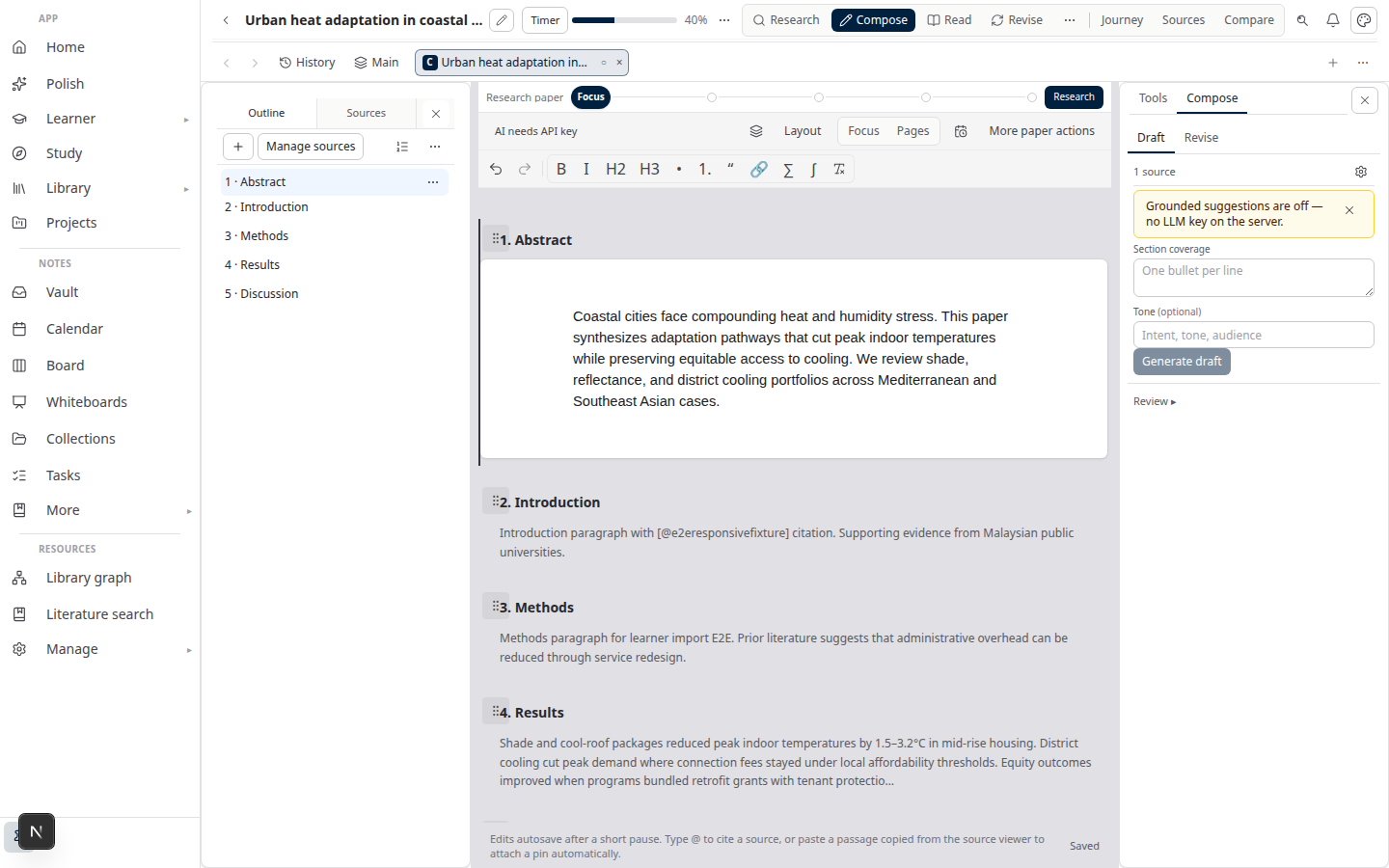
Compose is TipTap rich text by default. LaTeX and Typst are export paths, not the primary editing canvas.
Step 4 — Approve sections
- Open Write (or the section list on your paper).
- Review each section; mark it approved when citations and prose are final.
- Unapproved sections stay out of export — this is intentional. Academic export needs integrity, not simultaneous block editing.
Why approval instead of Google Docs-style co-edit? See Why section approval beats realtime co-edit.
Step 5 — Export DOCX
- Open Export on the paper.
- Choose Word (.docx) (or bibliography-only export if you only need references).
- Download the file and open it in Word for final faculty formatting.
Near-final thesis layout? Run Format mode for checklist-driven fixes — Thesis format check in Lattuce.
Troubleshooting
| Symptom | Likely cause | Fix |
|---|---|---|
| Mission stuck on “planning” | Large corpus or idle worker | Wait; check mission timeline for stale warnings (~5 min idle is not always failure) |
| No sources to synthesize | Nothing attached or not ready | Attach library rows; re-upload if extraction failed |
| Citation check failures | Claim not in attached PDFs | Add the source, rewrite the sentence, or remove the claim |
| Export missing a section | Section not approved | Approve in Write first |
| AI features unavailable | No provider keys on account | Add keys under account settings (BYOK guide) |
Related reading
- Literature review with Lattuce
- Research missions in Lattuce
- Thesis format check in Lattuce
- Lattuce + Zotero
Bahasa Melayu: Sumber ke DOCX dalam Lattuce — aliran kerja manuskrip hujung ke hujung