Household admin's first week with Lattuce — checks and day-two tasks
After you join lattuce.app — verify account health, run first paper path, configure AI keys, and onboard your household in week one.
For in-app help, ask the product assistant about Research projects in Writer (help doc writer-projects).
Signing in at lattuce.app gets your household running. This guide is a week-one checklist for the person who sets up accounts, invites family or lab members, and verifies the research path works — without a Docker runbook.
Who this is for
| You are… | Week one covers… |
|---|---|
| Household admin | First login, invites, BYOK, smoke test |
| Lab lead | Confirm Writer + Library path before students upload PDFs |
| Returning alpha user | Catch up after lattuce.app alpha |
Operator install docs live in /help — this post is cloud-first for lattuce.app households.
Day 1 — verify your account
- Sign in at lattuce.app.
- Open Home — confirm you see product cards (Writer, Notes, Learner, Study).
- Visit Try demos if anyone needs a tour without signup.
- Skim where you can use Lattuce for device roadmap (Windows, Android).
- Optional: open Operations if you have admin access — health panels are for operators, not required for authors.
Pass criteria: you can open Writer, Notes, and Library without errors.
Day 2 — first paper path
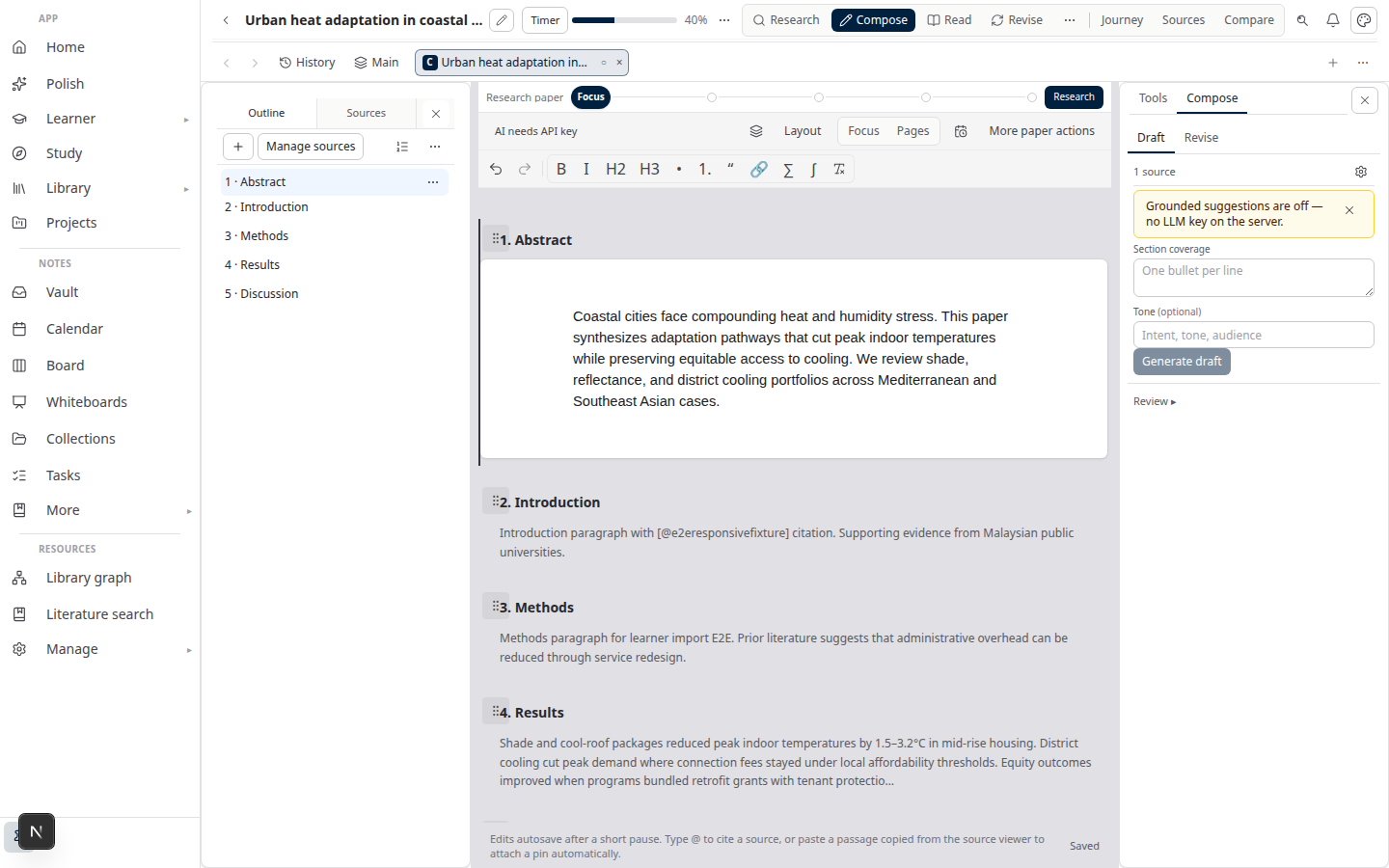
Run the smallest end-to-end smoke test:
- Library → Papers → New paper
- Upload one PDF to Library; wait for ready
- Attach the PDF to the paper
- Open Compose; insert one citation from the attachment
- Approve a short section; Export → Word
Detailed steps: Sources to DOCX in Lattuce.
Pass criteria: a .docx downloads with a reference section.
Day 3 — AI keys and optional features
| Feature | Action |
|---|---|
| Missions / Compose AI | Add provider keys under account settings — BYOK guide |
| Study digest audio | Requires TTS capacity on your plan or BYOK |
| IDE connection | Create API access token; connect Cursor or Claude — MCP guide |
| Zotero | Library → References → Zotero when your account supports sync |
Without keys, many surfaces still work — upload, attach, manual writing, and export — but missions and digest stay limited.
Day 4 — household hygiene
- Invite household members from account settings (or your admin panel).
- Confirm everyone signs in with the correct email domain / invite link.
- Review Library quotas on your plan — see Household billing and /pricing.
- Agree where Notion vs Lattuce docs live — Using Lattuce alongside Notion.
Pass criteria: a second member can upload a PDF and see it in the shared household library (per plan rules).
Day 5 — day-two workflows
Pick the workflows your household actually needs:
| Workflow | Guide |
|---|---|
| Literature review | Literature review with Lattuce |
| Exam prep over PDFs | Study vs Learner |
| Language learning | Lingo getting started |
| Bilingual papers | Collaborative translation |
| Research headlines | Research signals and feeds |
Schedule blog draft previews from Operations → Public blog if you operate a lab site that mirrors /blog.
Related reading
Bahasa Melayu: Minggu pertama pentadbir isi rumah dengan Lattuce — semakan dan tugas hari kedua